
Stop Wasting Ad Budget on Broken Conversion Tracking
Fix your tracking. Improve your website. Know what actually converts.
SchemaNexa helps businesses fix Google Ads conversion tracking with GTM and GA4, then build fast, SEO-ready Payload CMS websites that are easier to manage, scale, and optimize.
Google Ads • GTM • GA4 • Payload CMS
Your Ads Are Only as Smart as Your Tracking
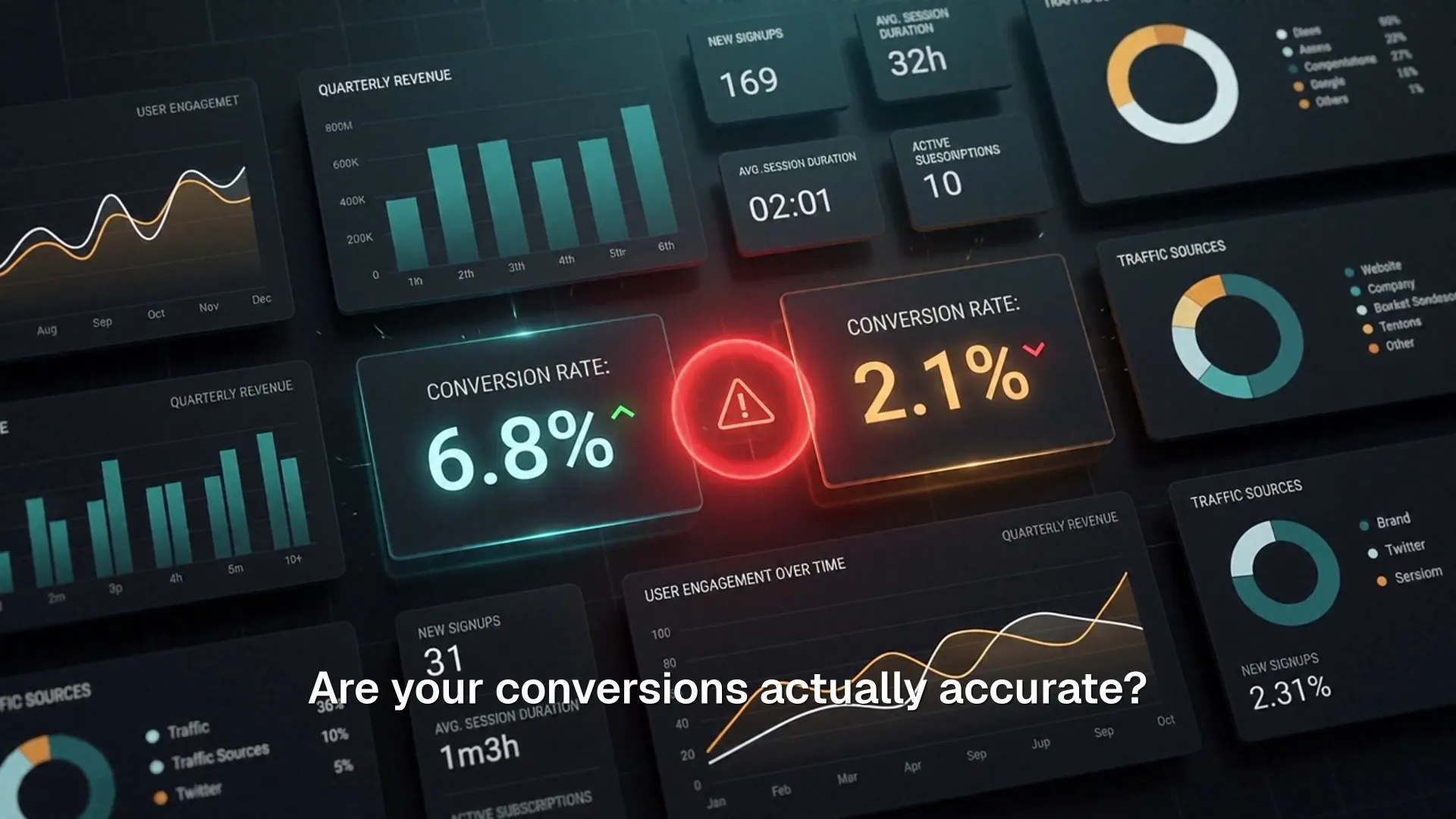
Google Ads cannot optimize properly if your forms, calls, emails, and key actions are not tracked accurately.
Missing form submissions
Leads come in but never register as conversions in Google Ads.
Duplicate conversions
The same lead gets counted more than once, inflating your numbers.
Wrong conversion actions
Page views or clicks get counted as conversions instead of real actions.
GA4 events with unclear names
Vague or inconsistent event names make reporting impossible to trust.
Smart Bidding learning from bad data
Automated bidding optimizes toward the wrong signals, wasting spend.
Slow CMS hurting landing page performance
A slow site quietly drags down conversion rate and Quality Score.

Where Conversion Tracking Breaks
A conversion can look simple on the surface, but the signal passes through several systems before Google Ads can use it. A problem anywhere in that chain can distort reporting and Smart Bidding.
Website Action
A visitor submits a form, clicks a phone number, sends an email, or completes another important action.
GTM Captures the Event
Google Tag Manager needs the correct trigger, tag, and event logic. Missing or duplicate triggers can create bad conversion data.
GA4 Receives and Classifies It
GA4 needs clean event names and conversion configuration so the action is reported consistently.
Google Ads Uses the Signal
Google Ads and Smart Bidding rely on that conversion data. If the upstream signal is wrong, optimization can move toward the wrong outcome.
That is why I audit the full tracking path instead of looking at Google Ads in isolation.
Start With a Tracking Audit
I check what is actually firing before recommending any changes.

Auditing Google Ads, GTM & GA4 tracking setups
What I Do
Here's exactly what that looks like in practice.
Google Ads Conversion Tracking
Most accounts have at least one broken or duplicated conversion skewing Smart Bidding. I find it, fix it, and prove it's accurate.
GTM & GA4 Setup
A container built by five people over five years isn't a system, it's a liability. I rebuild it clean, documented, and ready for whatever Google changes next.
Payload CMS Development
Your website should ship content in seconds, not fight you for it. I build Payload sites modeled around your actual business.
CMS Migration for SEO & Speed
Migrations tank rankings when redirects and metadata get dropped. I move you to Payload with your SEO intact and your site meaningfully faster.
See the Work Behind the Setup
A look at the kind of tracking, CMS, and reporting work this actually involves.

Google Ads Conversion Tracking
Auditing and rebuilding conversion actions so Google Ads optimizes toward real leads, not noise.

GTM & GA4 Implementation
Clean tag, trigger, and event setup that gives accurate, trustworthy reporting from day one.
Payload CMS Development
Fast, block-based websites built around how a business actually publishes and manages content.

Analytics & Reporting
Clear, ongoing reporting that shows what's actually converting, not just what's easy to measure.

Rafael Arceo — Founder, SchemaNexa
Why SchemaNexa
SchemaNexa combines marketing knowledge with the technical work required to make the data trustworthy.
10+ years in digital marketing
Hands-on Google Ads, GTM & GA4 implementation
WordPress, Payload CMS, SEO and analytics experience
Technical implementation combined with marketing strategy
How It Works
Audit
I review your tracking, tags, and site to find what is broken.
Plan
You get a clear, prioritized plan for what to fix and why.
Implement
I configure GTM, GA4, and your site to track accurately.
Test
Every event and conversion is verified end to end before sign-off.
Report
You get a clear summary of what changed and what to expect.
What Changes After the Fix
Cleaner conversion data
More reliable GA4 reporting
Better Google Ads optimization signals
Proper lead tracking
Faster website foundation
Easier CMS management
Clearer SEO structure
Frequently Asked Questions
How do I know if my tracking is broken?
The clearest signs are conversion numbers in Google Ads that don't match GA4, leads you know happened that never show up as conversions, or the same lead getting counted more than once. A free audit will tell you exactly what's wrong.
Do I need a new website?
Not necessarily. Many tracking problems can be fixed without touching your site. If your CMS is slow or hard to manage, I'll tell you honestly whether a rebuild or migration makes sense — the audit comes first, not a sales pitch.
Can you work with my existing WordPress or CMS?
Yes. I can audit and fix Google Ads, GTM, and GA4 tracking on WordPress or any other CMS. Moving to Payload CMS is a separate, optional step for businesses that want a faster, easier-to-manage site.
Why use Payload CMS?
Payload gives you a fast, SEO-ready site with a clean editing experience and full control over your content structure — without the plugin bloat and performance issues common on older CMS platforms.
How long does a tracking audit take?
Most audits are completed within a few business days, depending on how many conversion actions, forms, and tracking touchpoints your site has.
What happens after the free audit?
You get a clear, written breakdown of what's working, what's broken, and what I'd recommend fixing first. There's no obligation to move forward — it's useful information either way.
Can this help Google Ads performance?
Yes. Smart Bidding can only optimize toward the data it receives. Once your conversions are accurate, Google Ads has the right signals to find more of your best customers instead of guessing.
Know What Is Actually Converting
Send your website URL and I’ll review what may be missing, duplicated, or incorrectly tracked before recommending the next step.